
How AI Agent Skills Turn Business Expertise Into Repeatable Service
The short answer
AI agent skills are reusable instructions and supporting materials for a specific task. For a business, their value is capturing how an expert asks questions, weighs options and handles exceptions. Skills guide the work; current data, connected tools and access controls still determine what an agent can know and do.
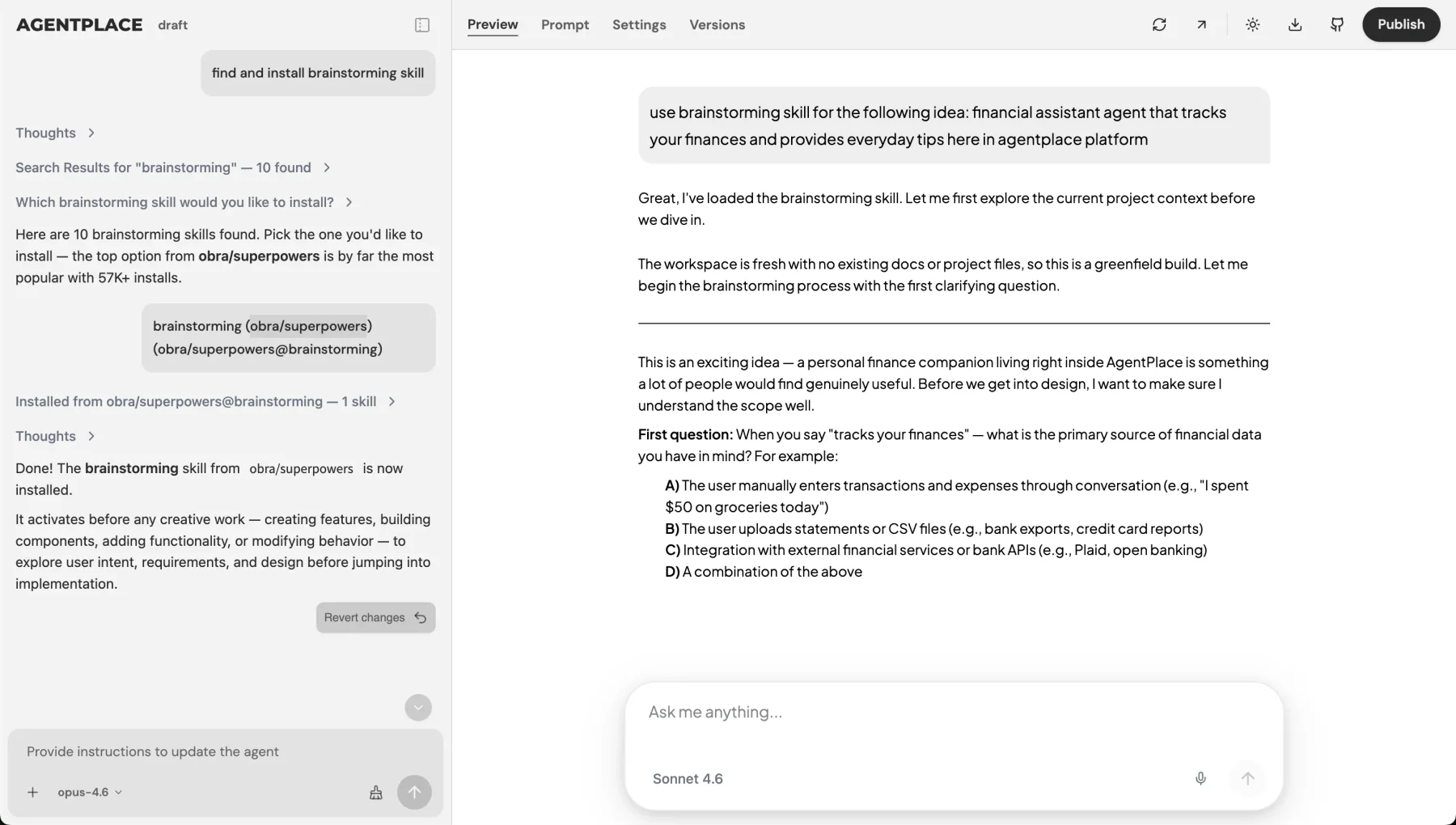
An AI agent skill is a reusable set of instructions and supporting materials for a specific task. A business can use skills to turn the knowledge of an experienced employee into a process an agent can apply for customers: how to narrow a product choice, prepare a consultation or investigate a routine support request.
The useful starting point is the expert’s decision process. File formats come later. A skill cannot make an unclear policy clear, provide live inventory by itself or guarantee that an agent follows every instruction correctly.
Why is one prompt sometimes not enough?
A short prompt can define the agent’s role. A more involved service needs the reasoning behind the role.
“Help shoppers choose a bike” leaves important decisions open. Should the advisor favor a lighter bike when a customer lives upstairs? Which manufacturer sizing chart applies? When should it suggest a fitting appointment instead of making a model recommendation?
Putting every policy, chart and example in one long instruction makes updates hard to review. Organizing related guidance into task-specific skills gives the owner a clearer unit to maintain. Update the bike-fit guidance without changing the delivery policy.
That is an organizational benefit, not proof that a longer prompt always fails or that a skill always improves accuracy. Test the finished agent on the actual decisions you expect it to handle.
What belongs in an AI agent skill?
A useful business skill explains when it applies, what information matters, how to reach a result and when to ask a person.
| Part | Bike advisor example | Why it matters |
|---|---|---|
| Scope | Help customers shortlist commuter bikes | Keeps the task bounded |
| Questions | Route, terrain, budget, storage and carrying needs | Finds the constraints behind a vague request |
| Decision rules | Flag weight when the customer carries the bike upstairs | Captures the expert’s reasoning |
| References | Manufacturer specifications and sizing guidance | Makes the recommendation inspectable |
| Exceptions | Missing measurements or conflicting requirements | Defines where advice must stop |
| Result | Two suitable options with trade-offs and a next step | Gives the customer something usable |
| Maintenance | Owner and review date for product guidance | Makes updates someone’s responsibility |
The Agent Skills format packages instructions in a SKILL.md file and can include references, templates and executable scripts. Its loading model lets compatible agents discover a skill by its name and description, then read more when needed. The exact activation and execution behavior depends on the host application.
How do you capture expertise without writing a technical specification?
Use real decisions your staff have already made. Ask an expert to explain three successful cases and two exceptions. For each one, record the customer’s starting request, the question that changed the recommendation, the evidence used and the final result.
Consider two requests:
“I need an electric bike for a hilly commute.”
“I need an electric bike for a hilly commute, but I have to carry it up two flights of stairs.”
The second request changes the decision. An expert may ask about carrying weight and removable batteries before recommending a model. Capturing that reason is more useful than a list of generic questions asked in the same order every time.
Then add the exception: if the catalog has no suitable model within the customer’s budget and carrying limit, explain the conflict. Do not silently relax the limit to produce a recommendation.
What is the difference between skills, knowledge and tools?
Skills describe how to perform a task. Reference materials supply facts. Tools let the agent retrieve current information or perform an action.
| Need | Appropriate source | What it does not establish |
|---|---|---|
| How to compare two bikes | Advisor skill | Whether either bike is in stock today |
| Frame size and published weight | Manufacturer or retailer product record | Whether that size will fit a particular rider |
| Current store inventory | Connected inventory lookup | Permission to reserve an item |
| Reserve a test ride | Authorized booking action | Permission to change other bookings |
| Show the shortlist | The agent’s customer interface | Accuracy of the data behind it |
A skill can tell the agent when to check availability. The connection supplies the answer. The booking system confirms whether a reservation succeeded. Our plain-language explanation of MCP covers the connection between AI and business tools.
Keep volatile facts out of a static skill when a maintained system already owns them. A policy can describe how to use a price; the current price should come from the designated source.
What does the customer experience look like?
The customer sees the service, not the skill files.
In an illustrative bike consultation, the agent learns that the shopper wants a hilly commute bike, has a fixed budget and needs to carry it upstairs. It asks about the carrying limit, checks the available specifications and presents a shortlist with the relevant trade-offs.
The shopper then says, “Actually, I can store it downstairs.” The agent can revise the comparison, because weight is no longer the same constraint. Its page can show different product cards and explanations while retaining the commute, terrain and budget already discussed.
This is the customer-facing use of expertise: the guidance shapes both the next question and the result. Agentplace creates AI agents with their own UI and URL, so a customer can open a link, describe a need and work with the result there.
See the bike fit and model intake template for a concrete task to adapt. Its examples illustrate a service flow; your catalog and staff review establish what your own agent may recommend.
How do you test whether the skill helps?
Test decisions, not just whether the agent mentions the policy.
- Give it a complete request and check that it avoids repeating questions.
- Leave out one important constraint and check that it asks for it.
- Provide incompatible requirements and check that it explains the conflict.
- Change a requirement midway and check that the recommendation changes appropriately.
- Ask for unavailable facts and check that it looks them up or says they are unknown.
- Ask it to exceed its authority and check that it hands the request to a person.
Record the expected outcome before running the cases. A friendly answer that recommends the wrong size still fails. Re-run the relevant cases after a policy or catalog change.
Can you reuse a skill from another business?
Reuse a general method only after reviewing its assumptions. A public skill for analyzing a document may be a useful starting point. Another retailer’s return windows, preferred products or refund authority are not your business rules.
If a skill includes scripts, review what they execute and what they can access. The open format permits code; a skill is not necessarily a harmless text document. Access controls and approvals belong in the application and connected systems as well as in written instructions.
How do you start with Agentplace?
Choose one customer task and share the materials an employee would use to perform it. The builder can help organize the guidance; you do not need to begin with directory names, runtime settings or a particular skill syntax.
A concise business brief is enough to start:
Create an advisor for our bike shop that helps commuters shortlist suitable models from our catalog. Ask about route, terrain, budget and storage, explain the trade-offs, and suggest a fitting or test ride when measurements or comfort need staff input.
Use the agent creation overview to understand the next step, or find a customer task in the template library. Start with the decision your staff explain repeatedly, then turn that expertise into guidance you can review and improve.
Questions and answers
Frequently asked questions.
Are AI agent skills the same as prompts?
A prompt can give an immediate instruction. A skill organizes reusable task guidance and supporting materials so a compatible agent can use them when relevant. A small task may need only a prompt; a recurring service with references and exceptions benefits from a clearer package.
Do skills give an agent access to my systems?
No. Instructions can describe when to use a calendar or inventory lookup, but access comes from configured tools and authorized accounts. A skill does not create credentials, grant permissions or make an action available by mentioning its name.
Can a skill contain live prices?
It can contain a dated reference, but that is different from current pricing. Use the business system responsible for prices when freshness matters. The skill should explain how to use the returned price and what to do if a lookup fails.
Do I need to write SKILL.md files myself?
You can, but a business owner can begin by describing the customer task and providing the relevant policies and examples. The platform can help organize those materials. The owner still needs to review the guidance and test the resulting customer experience.
Put this into practice
See the customer experience.
Explore a concrete example related to this article, then adapt the agent to your business.
Create my AI agentStart free with your business idea. The AI builder can help you explore it and create your agent. No technical specification needed. Sign in to continue. Pricing and limits · How the builder works