
Can One AI Agent Replace Your Website Chatbot, Forms and Booking Flow?
In many customer-facing workflows one AI agent can replace the separate experience created by a chatbot, lead form and booking flow. It should not replace the CRM or scheduling engine underneath. Those stay as the source of truth while the agent becomes the layer the customer actually uses.
Key Takeaways
- A chatbot, form and scheduler often solve separate stages of the same customer journey, and the customer experiences all three as one request.
- Customers do not think in software categories. They usually arrive with one question: "Can you help me?"
- An AI agent can keep the context from the conversation and use it instead of asking the customer to repeat information.
- Forms are still better when every customer must provide the same fields, and booking software is still valuable as the scheduling backend.
- Replace the customer-facing layer, not the systems of record. The CRM and calendar keep working underneath while the agent becomes the interface.
Yes, in many customer-facing workflows one AI agent can replace the separate experience created by a website chatbot, lead form and booking flow.
That does not mean the AI has to replace every backend system.
A better model is:
Customer request → AI understands → collects what is missing → applies business rules → takes the next action
The CRM, calendar or booking system can remain in the background as the source of truth.
Agentplace is built around this model. Instead of adding an AI chatbot beside a form and scheduler, you can build one customer-facing agent that understands the visitor, collects information dynamically and moves them toward qualification, booking, intake or another action.
This is most useful when the right next step depends on what the customer says.
If every customer follows the same fixed path, a normal form or workflow is usually simpler.
Why Do Business Websites Have So Many Separate Tools?
A typical service-business website may include: a website, a chatbot, a contact form, a qualification form, a scheduler, a CRM, an automation tool and an answering service.
Each tool exists for a reason.
The problem is that the customer experiences all of them as one journey.
They do not think:
“I have finished the conversational stage and would now like to enter the lead-capture stage.”
They think:
“Can you help me?”
That mismatch is where customer-facing AI agents become useful.
Can One AI Agent Handle My Website, Customer Intake and Booking?
Yes, if those stages are part of the same customer workflow.
For example, imagine a customer visits an HVAC website and says:
“My AC stopped cooling upstairs. I’m in Hoboken. Can someone come tomorrow?”
The customer has already told the business: the problem, the location and the preferred timing.
A traditional website stack may still send them to a form asking:
What service do you need?
Where are you located?
When would you like an appointment?
The customer repeats information the business already received.
An AI agent can use the conversation as the beginning of the intake process.
It can ask only what is missing, apply business rules and continue toward the appropriate next step.
What Changes Between the Two Journeys?
A common flow looks like this:
Website → chatbot → form → booking page → confirmation
The customer may need to repeat themselves at every stage. The chatbot has one context. The form has another. The booking widget starts again. The automation then moves data between systems after the customer leaves.
This works. But it is software-centered rather than customer-centered.
With an agent the flow becomes:
Customer explains need → agent understands → agent asks what is missing → agent decides → agent takes action
The underlying tools may still exist. The customer just does not have to operate them manually.
| Stage | Separate tools | One customer-facing agent |
|---|---|---|
| First question | Chatbot answers, then stops | Answered, and used as the start of intake |
| Working out what they need | The customer does it | The agent asks what changes the answer |
| Information collected | Fixed form fields, re-entered | Only what is still missing |
| Business rules applied | After submission, by a person | During the conversation |
| Booking | Separate widget, starts again | Continues from the same context |
| System of record | CRM, updated by automation later | CRM, updated by the agent |
An AI agent does not have to replace your CRM or calendar to replace the fragmented experience created by them.
Can an AI Agent Replace a Website Chatbot?
Often, yes.
A chatbot primarily exists to answer questions.
If your AI agent can answer those same questions and continue into the rest of the workflow, the separate chatbot may no longer be necessary.
For example:
Customer:
“Do you work in Jersey City?”
Chatbot:
“Yes, Jersey City is in our service area.”
Conversation ends.
An agent can continue:
“Yes. What do you need help with?”
Now the answer becomes part of the customer journey.
Gartner predicts that agentic AI will autonomously resolve 80% of common customer service issues without human intervention by 2029. That is a forecast rather than a description of today, and the honest companion figure is that only around 14% of issues currently resolve through self-service at all. The gap between those two numbers is the work.
Can an AI Agent Replace Lead Forms?
Sometimes.
Forms are very good at collecting structured information.
The problem is that they usually ask predetermined questions.
An agent can collect structured information conversationally.
For example, a salon client says:
“I want to go much lighter, but my hair is already damaged.”
A standard booking form may ask:
What service would you like?
The client may not know.
An AI agent can first determine whether the person should book balayage, highlights or a consultation.
Only then does it need to collect the details relevant to that path.
That is where dynamic intake becomes more useful than a static form.
When Is a Form Still Better?
Keep the form when:
- everyone must answer the same questions
- the questions are legally or operationally required
- there is little ambiguity
- the user already knows exactly what they want
- the workflow is short
AI is not automatically better than a form.
The value appears when the questions themselves depend on context.
Can an AI Agent Replace Booking Software?
Usually not the scheduling engine itself.
And in many cases, it should not.
A calendar or booking platform may already be very good at: availability, staff schedules, resources, appointment duration, rescheduling, cancellations and conflict prevention.
The AI agent can sit in front of that system.
It understands what the customer needs, collects the correct information and then uses the booking system at the right moment.
That is often a better architecture than rebuilding scheduling from scratch.
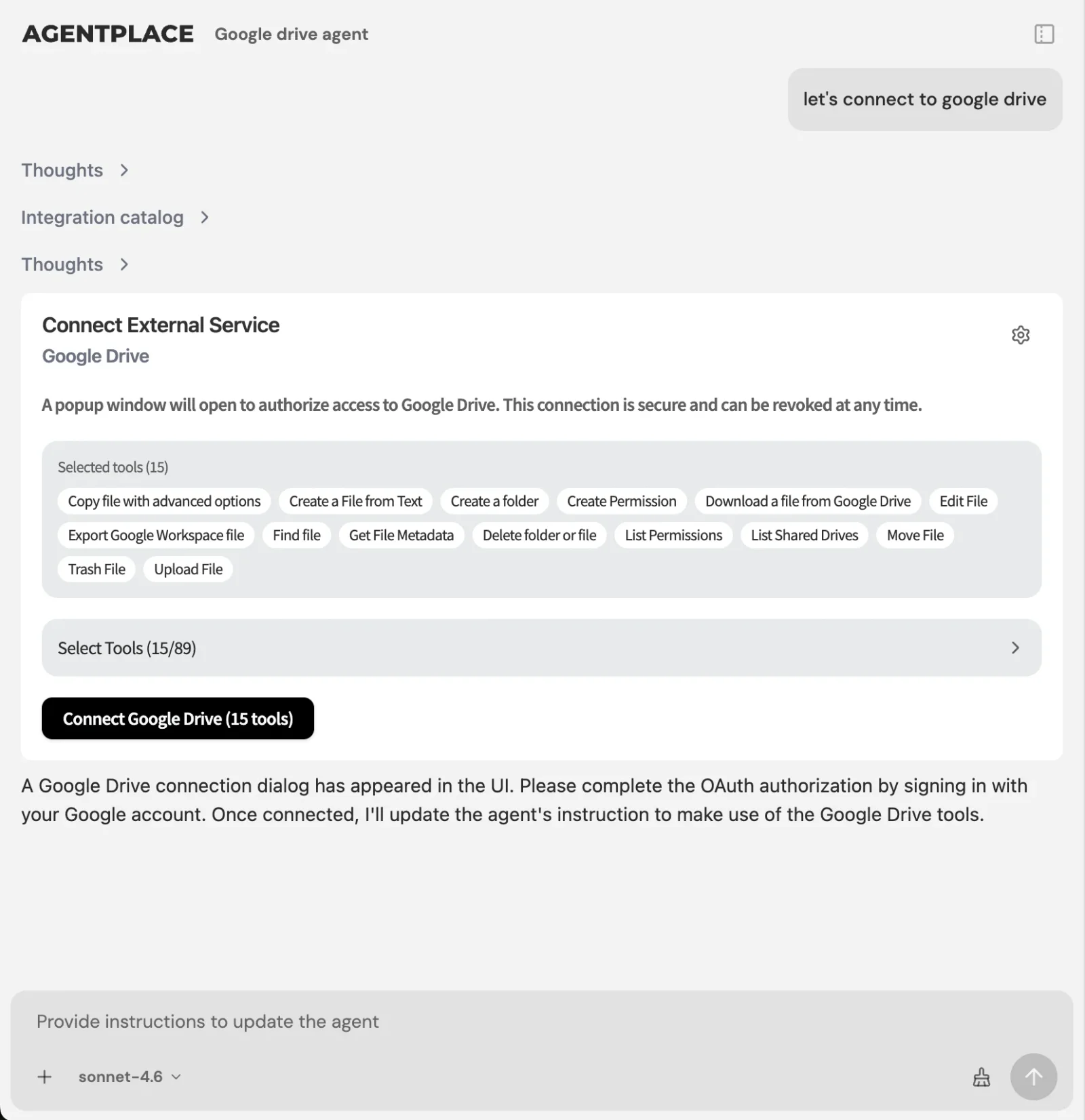 The agent becomes the customer-facing layer while the CRM, calendar and booking engine stay where they are.
What Should Actually Be Replaced?
Think of “replace” as replacing the customer-facing layer, not necessarily every underlying application.
| System | Replace it? | Why |
|---|---|---|
| Website chatbot | Often yes | The agent answers the same questions and keeps going |
| Static lead form | Often yes | Questions can depend on the previous answer |
| Booking widget as the customer’s entry point | Yes | Booking becomes the outcome, not the starting point |
| Scheduling engine | No | Availability, conflicts and resources are already solved |
| CRM | No | It stays the system of record; the agent writes to it |
| Zapier, Make or n8n | No | Automation runs after the agent produces a structured decision |
A common architecture is:
Customer → agent → structured decision → automation
rather than choosing one or the other.
What AI Tools Can Actually Take Action for Customers?
There are three useful categories to separate.
Chatbots are best at answering questions, searching a knowledge base and basic conversation. Their weakness is that they often stop after the answer.
Workflow automation is best at moving data, connecting applications and running predictable workflows. Its weakness is that the workflow usually needs a known trigger and predefined logic.
Customer-facing AI agents are best at understanding an open-ended request, asking follow-up questions, collecting information, applying business rules, choosing an action and continuing the workflow.
The key difference is:
Chatbot: understand and answer.
Automation: receive trigger and act.
Agent: understand, decide and act.
What AI Can Collect Customer Information and Then Take the Appropriate Action?
A customer-facing AI agent can do this when the information collection and decision are part of the same workflow.
Imagine a roofing company.
A customer says:
“We had a leak after last night’s storm.”
The agent may need to determine:
- location
- property type
- severity
- whether the leak is active
- whether emergency service is available
- contact information
- whether photos are useful
The resulting action may be different depending on the answers.
One request becomes an emergency escalation.
Another becomes a standard inspection booking.
Another is outside the service area.
A fixed automation cannot know which workflow to run until something interprets the request.
That is the agent’s job.
Example: HVAC
Customer:
“The AC stopped working. Can someone come tonight?”
The agent can:
- understand that this is a service request
- ask where the property is
- collect the relevant symptoms
- apply the company’s after-hours rules
- check the appropriate availability
- book or escalate
A chatbot would likely answer a question.
A form would collect information.
A scheduler would show availability.
The agent can connect those stages.
AI Agent for HVAC Website Chat Lead Qualification and Booking is that whole path as a published template, and AI Agent for HVAC After-Hours Emergency Call Dispatch covers the part of it that happens at nine in the evening.
Example: Salon
Customer:
“I want to go blonde but I’m not sure what to book.”
The agent can ask about: current hair, desired result, previous color, hair condition and timing.
It may determine that a consultation is required before a color appointment.
The customer no longer has to know the salon’s internal service taxonomy.
AI Agent for Hair Color Consultation Intake is the published version of that conversation, including the part where it decides a consultation has to come before the colour appointment.
Example: Inbound B2B Sales
A prospect says:
“We have 30 locations and need to automate inbound qualification. Can your product handle that?”
The agent can:
- answer the product question
- ask about the workflow
- understand whether the company fits the target customer
- collect relevant information
- continue into demo booking
The sales form no longer has to begin from zero.
AI Lead Qualification Agent is the template for this, and the AI Inbound Qualifier page describes the same job as a role you can hand a whole channel to.
How Does Agentplace Fit?
Agentplace publishes this article, so this section explains our own product approach.
Agentplace builds customer-facing AI agents that can operate as web applications rather than only chat widgets.
You describe what you want the customer journey to accomplish.
For example:
“When a customer comes to the website, answer their questions, understand what they need, collect only the information relevant to that request, apply our qualification rules and help qualified customers book. If a request needs a person, create a record and escalate it.”
The builder creates the agent and application around that workflow.
The agent can combine conversation, interactive interfaces, records, business logic and connected systems.
The goal is not simply to automate one existing UI.
It is to let the customer’s request determine the UI and workflow they need next.
Why Is This Different From Adding a Chatbot to My Website?
Adding a chatbot normally preserves the existing customer journey.
You still have the same pages, the same forms and the same booking system.
The chatbot sits beside them.
An agent-first experience can change the journey itself.
For one customer, the next step might be a question.
For another, a form.
For another, a set of options.
For another, booking.
The interface adapts to the request.
When Should You Keep the Existing Stack?
Keep your current setup if it is simple and works.
If the journey is a landing page, a three-field form, a thank-you page and a sales call, you may not need an agent.
If every appointment follows the same path, a scheduler may already be enough.
If your chatbot handles a large support knowledge base well, replacing it may offer little benefit.
AI agents are not automatically simpler.
Use them where they remove actual customer friction.
What Is the Right Question to Ask?
The better way to think about this is not:
“How many tools can AI remove?”
Ask:
“Why does my customer have to interact with five tools to complete one request?”
If the journey begins with an unstructured need and ends with a structured business action, a customer-facing AI agent can connect those stages.
Instead of:
website → chatbot → form → booking
the customer can experience:
ask → understand → collect → act
while the business systems continue working underneath.
The bottom line. One agent can replace the customer-facing layer that a chatbot, a form and a scheduler currently share badly between them. It should not replace the scheduling engine, the CRM or the automations that run once a decision exists, and a vendor who tells you otherwise is selling you a migration you did not need. Replace the part the customer touches; leave the systems of record where they are.
Frequently Asked Questions
Is there one AI tool that can replace my website chatbot, forms and booking flow?
Yes. A customer-facing AI agent can combine conversation, dynamic information collection and actions such as booking into one experience. The CRM or scheduling platform can remain in the background as the source of truth, which is usually a better architecture than rebuilding either from scratch.
Can one AI agent handle my website, customer intake and booking?
Yes, when those stages are part of the same customer workflow. An agent can understand what a visitor needs, collect the relevant information, apply business rules and move the customer toward booking or another appropriate outcome without making them repeat themselves at each stage.
Can AI replace website forms?
Sometimes. AI is useful when the correct questions depend on the customer's previous answers, or when the customer does not yet know which service they need. Fixed forms remain better when everyone must provide exactly the same information, or when the wording is operationally or legally required.
Can AI replace a booking system?
Usually not the scheduling backend, and in most cases it should not try. A better model is for the AI agent to sit in front of the existing booking system and use it once it understands what the customer needs, rather than rebuilding availability and conflict handling.
Can an AI agent replace a chatbot?
Yes, when the agent can both answer the same questions and continue into the next part of the customer workflow. If your chatbot already handles a large support knowledge base well and the journey ends at the answer, replacing it may offer little benefit.
What AI tools can actually take action for customers?
Customer-facing AI agent platforms are designed to combine language understanding with actions. Chatbots mainly answer questions, while traditional automation mainly executes predefined workflows. The agent category exists for the cases where something has to interpret the request before any workflow can run.
Is an AI agent better than Zapier?
They solve different problems and often work together. Zapier is strong when the trigger and action are known in advance. An agent is useful when software first needs to understand an open-ended request before deciding what should happen, and it can then hand a structured decision to automation.
Do I still need a CRM if I use an AI agent?
Usually yes. The AI agent can become the customer-facing interface while the CRM remains the system where customer and lead records are stored. An agent should not create a second source of truth without a specific reason, because reconciling two of them costs more than it saves.
What businesses benefit most from this approach?
Service businesses, inbound sales teams and appointment-based companies benefit most, particularly where customers need to explain what they want before the correct workflow can be determined. If every customer follows the same fixed path, a normal form and scheduler are simpler and cheaper.
Ready to deploy AI agents that actually work?
Agentplace helps you find, evaluate, and deploy the right AI agents for your specific business needs.
Get Started Free →


